I was first approached about this project knowing it would be a tight deadline for a project of this scale, but with the promised shotlist from the client getting delayed and the deadline inching ever closer, I knew I needed to start animating quickly or the project wouldn't be done in time. Since I didn't have an approved shotlist, I started planning and creating my own- almost all of which ended up being approved and used in the final version. I also worked closely with my brother, a music producer, to create custom music synced up perfectly to the big moments of the animation.
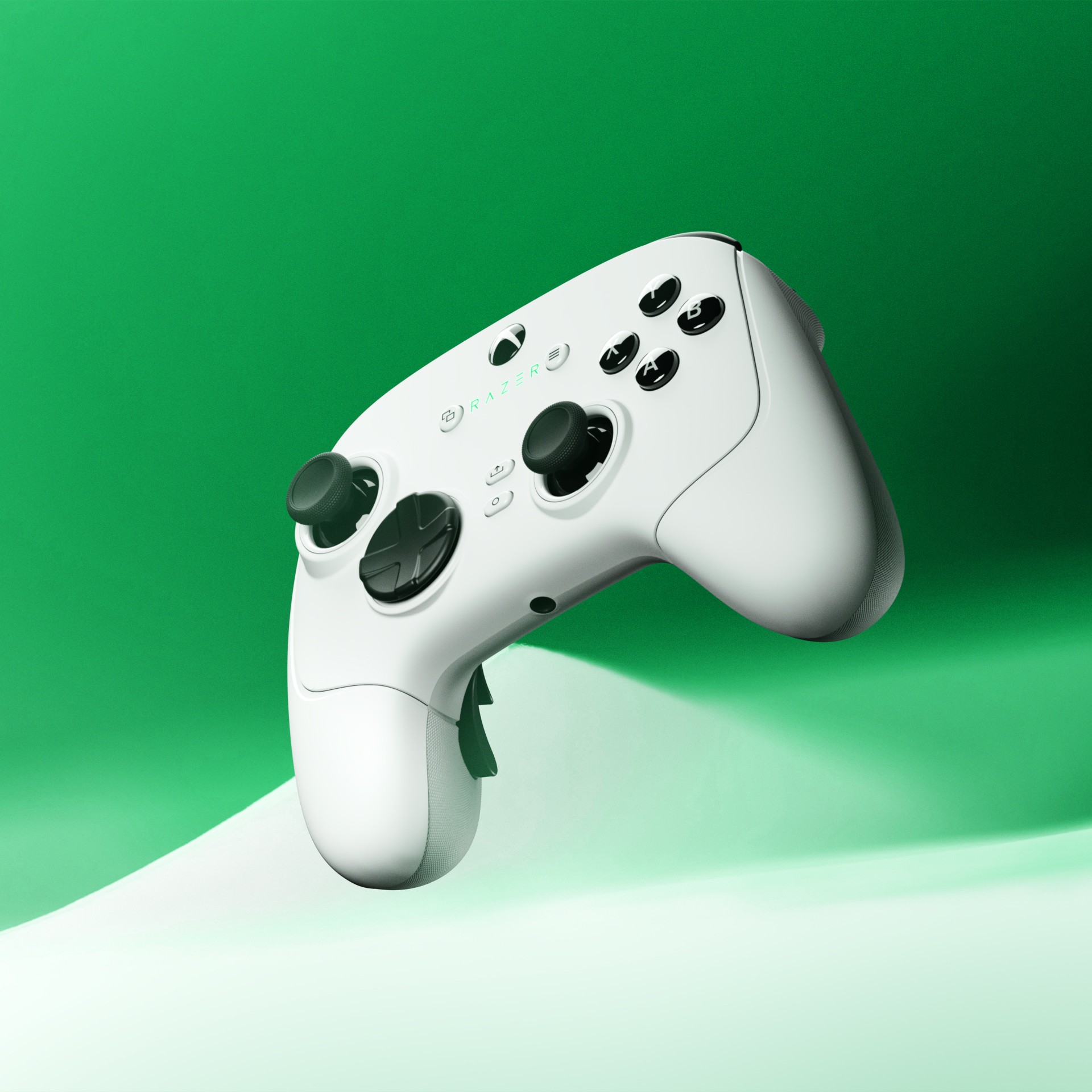
With the planning of the overall beats of the animation done, I set my focus on making the models as realistic as possible. I had a physical copy of the controller that allowed me to perfectly match the color, material, and texture in my renders. The models themselves were CAD files provided by Razer, which for the most part worked well with only minor clean up needed. The exception to this was the texture on the back grips of the controllers, which I had to recreate procedurally in Blender's shader editor.
Once the controllers were perfectly recreated, the only thing left to do was animate. I wanted to keep the motion smooth, while also still keeping the energy high. I accomplished this by interspersing the slow, smooth shots with quick pans that keep the viewer interested.
I was first approached about this project knowing it would be a tight deadline for a project of this scale, but with the promised shotlist from the client getting delayed and the deadline inching ever closer, I knew I needed to start animating quickly or the project wouldn't be done in time. Since I didn't have an approved shotlist, I started planning and creating my own- almost all of which ended up being approved and used in the final version. I also worked closely with my brother, a music producer, to create custom music synced up perfectly to the big moments of the animation.
With the planning of the overall beats of the animation done, I set my focus on making the models as realistic as possible. I had a physical copy of the controller that allowed me to perfectly match the color, material, and texture in my renders. The models themselves were CAD files provided by Razer, which for the most part worked well with only minor clean up needed. The exception to this was the texture on the back grips of the controllers, which I had to recreate procedurally in Blender's shader editor.
Once the controllers were perfectly recreated, the only thing left to do was animate. I wanted to keep the motion smooth, while also still keeping the energy high. I accomplished this by interspersing the slow, smooth shots with quick pans that keep the viewer interested.
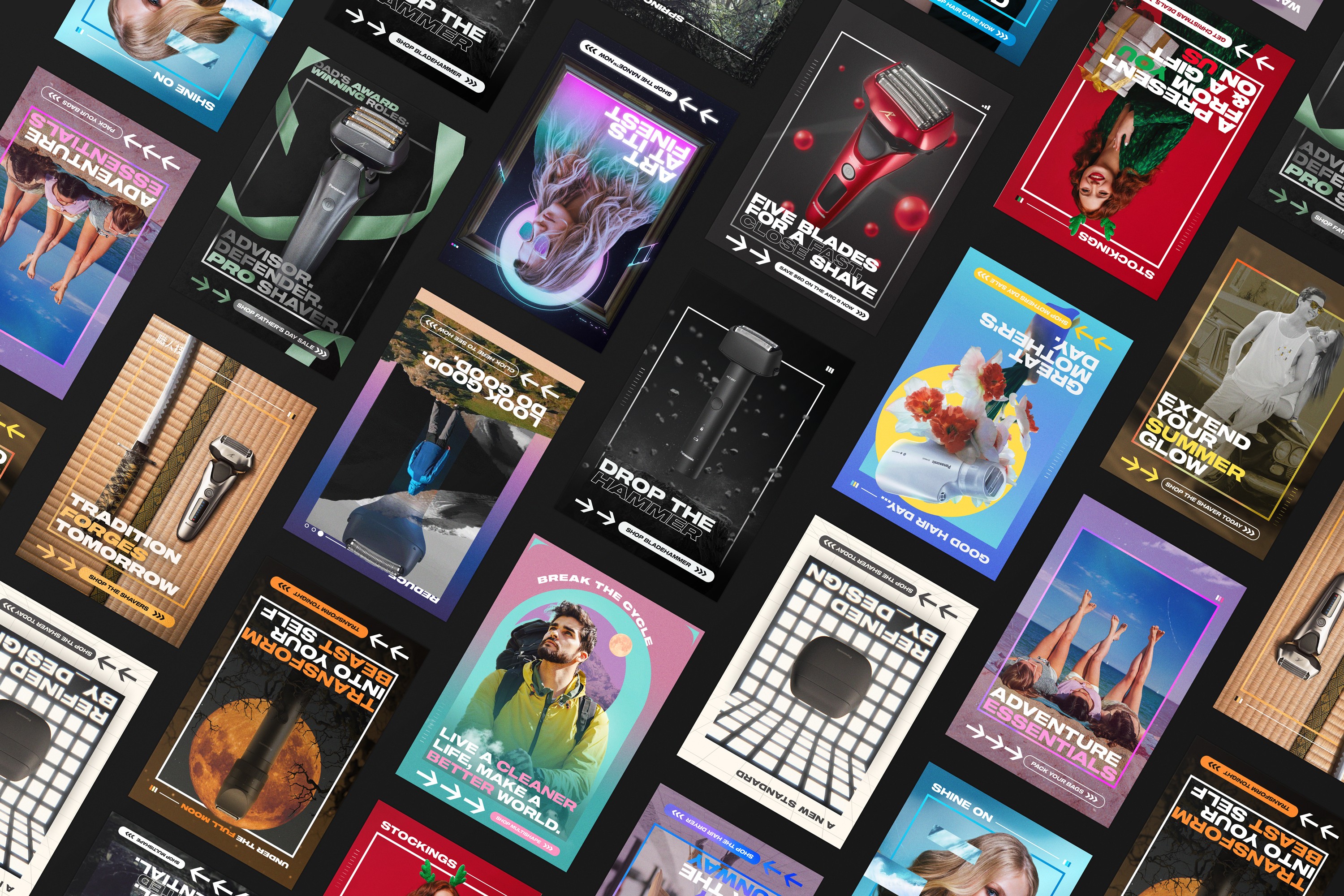
I've been working on Panasonic emails for the better part of the last several years, both during my time at an agency and as a freelancer. All told, I have created probably around 100 emails for Panasonic.
As you might expect, over the course of those years I have had to refine my workflow to solve several unique problems. First, the number of assets Panasonic has is limited, and when sending hundreds of emails things are bound to get repetitive unless you innovate. Second, the file size limit for Klaviyo is 5 MB, and the lower the better when load times are involved.
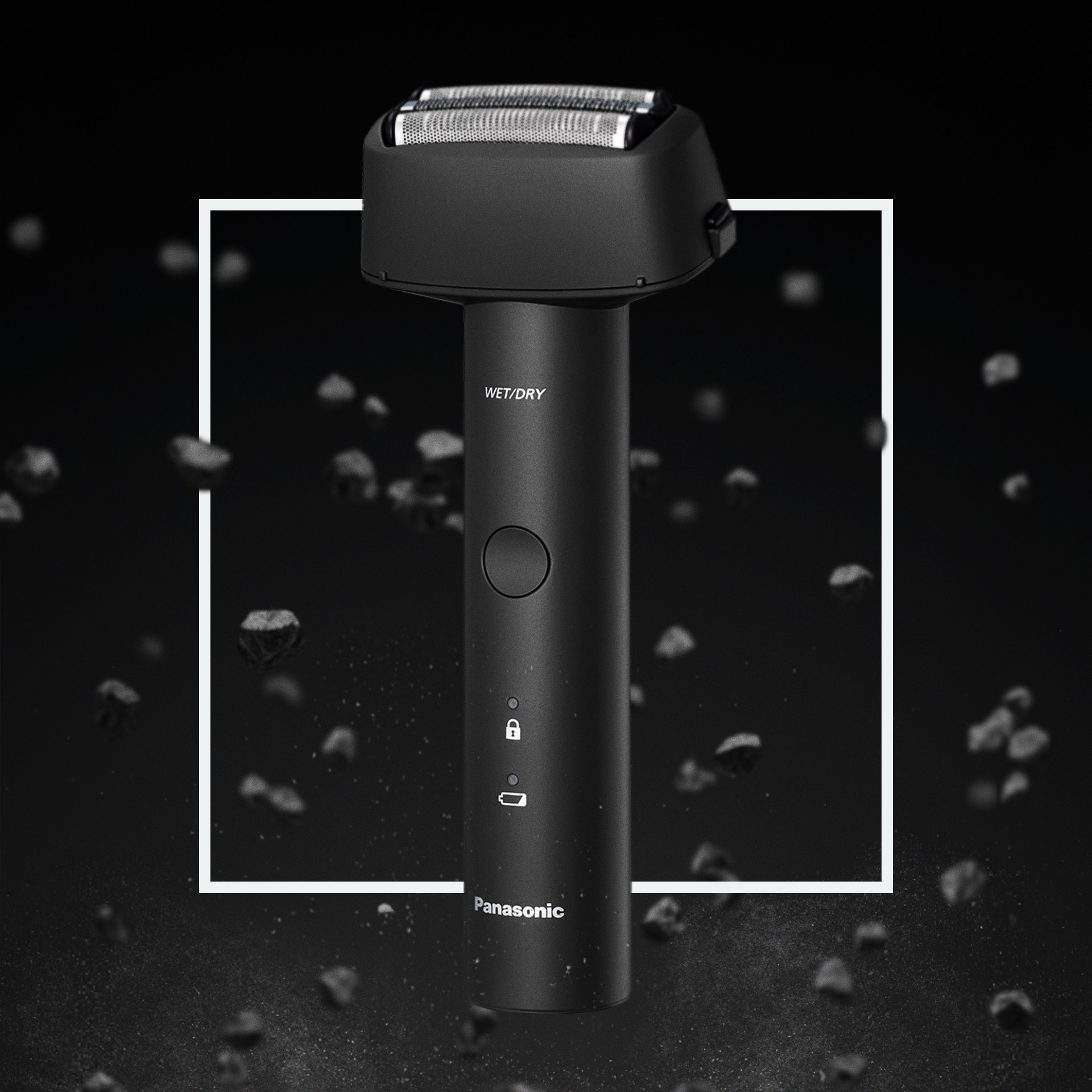
The first problem is solved by supplementing Panasonic's basic assets with stock imagery, animation, and photo-manipulation. In the above example, taking the front view of the Blade Hammer shaver and compositing it and other rock assets together into a unique scene.
The second problem I solved by creating a unique workflow for making a design in Photoshop, animating it in After Effects, and importing it into Klaviyo as separated layers- such that the animated portion of the image is mostly transparent, but seamlessly blends with the high-quality background behind it.